
What happens
- You are recording in VoiceVault.
- Another app requests the microphone — a phone call, voice assistant, camera, messenger, or similar.
- Android gives that app the mic. VoiceVault loses access immediately.
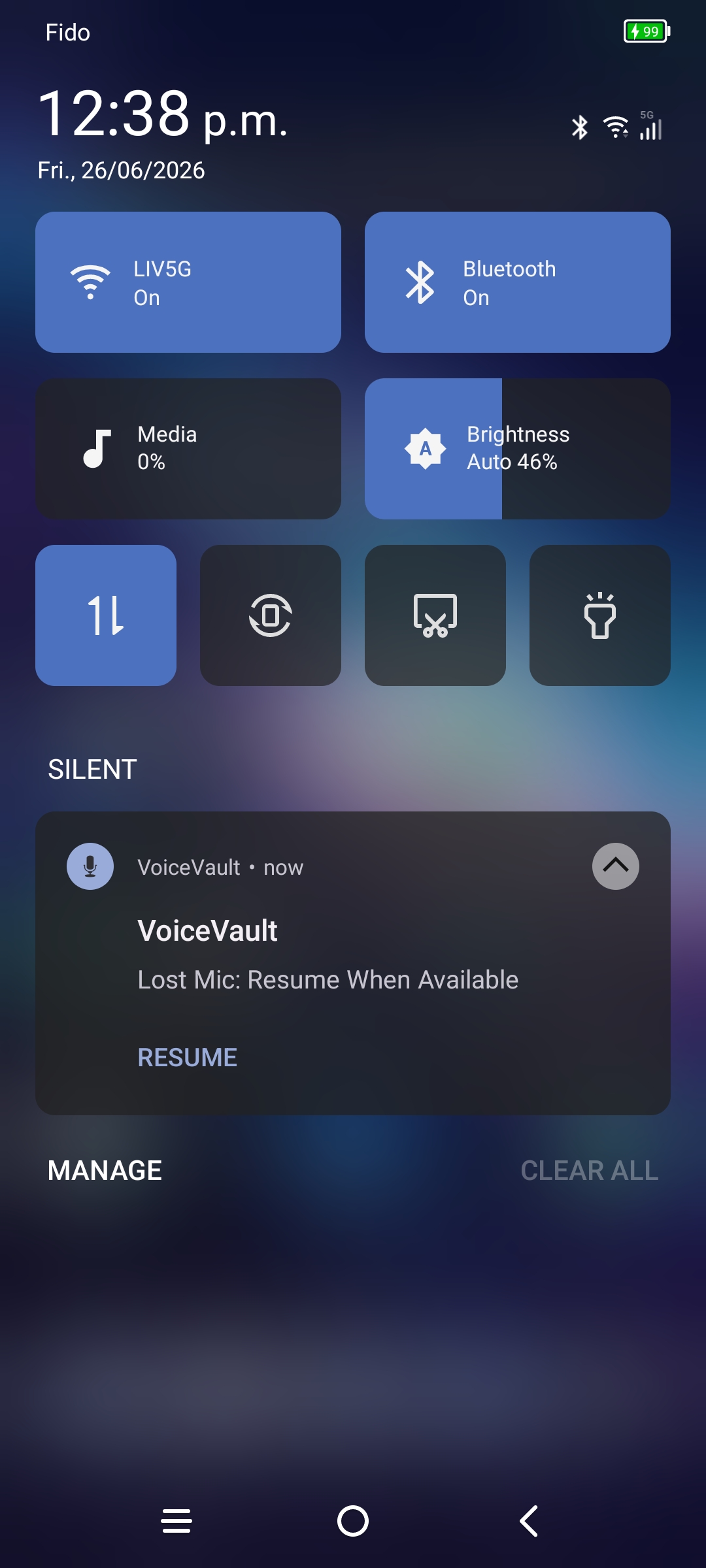
- VoiceVault shows a microphone lost notification so you know the take may be incomplete.
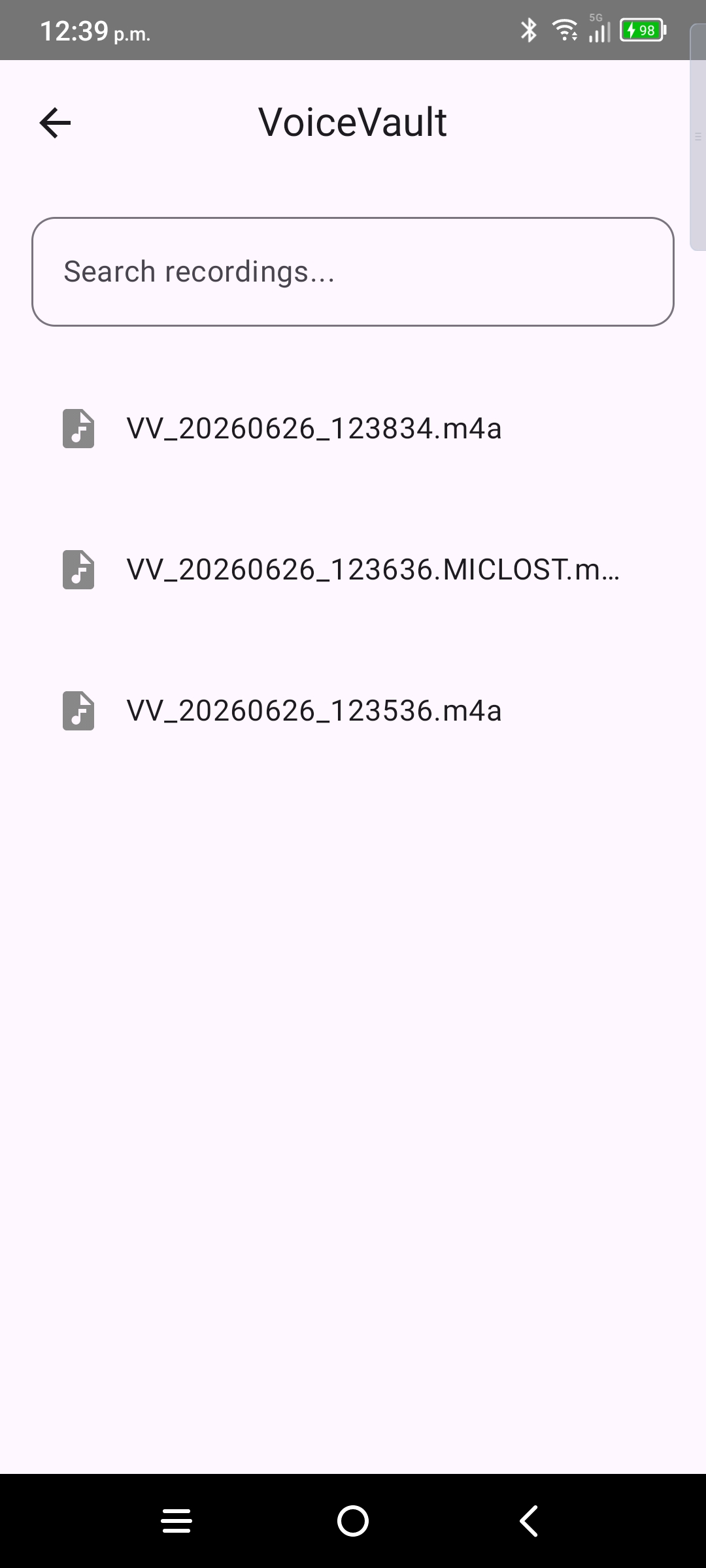
- The partial file stays in your vault with a mic-lost indicator so you can delete it or keep it for reference.
What you should do
- Read the notification — it explains that capture stopped because the mic was taken elsewhere.
- Open the vault and check the flagged file. Audio up to the interruption may still be there, but the clip is not complete.
- When you are ready to continue, return to the home screen and tap record to start a new take.
- Delete the incomplete file from the vault if you do not need it.
What VoiceVault cannot do
Android does not let VoiceVault preempt another app’s microphone session or automatically resume recording when the other app releases the mic. There is no reliable, system-supported way to “pick up where you left off” on the same file after mic loss. That is why recovery is always a new recording started by you.
Reduce interruptions
- Pause or end calls and voice chats before a long take.
- Close or mute apps that might grab the mic unexpectedly.
- Complete onboarding so background permission is granted — that helps long recordings, but it does not prevent another app from taking the mic.