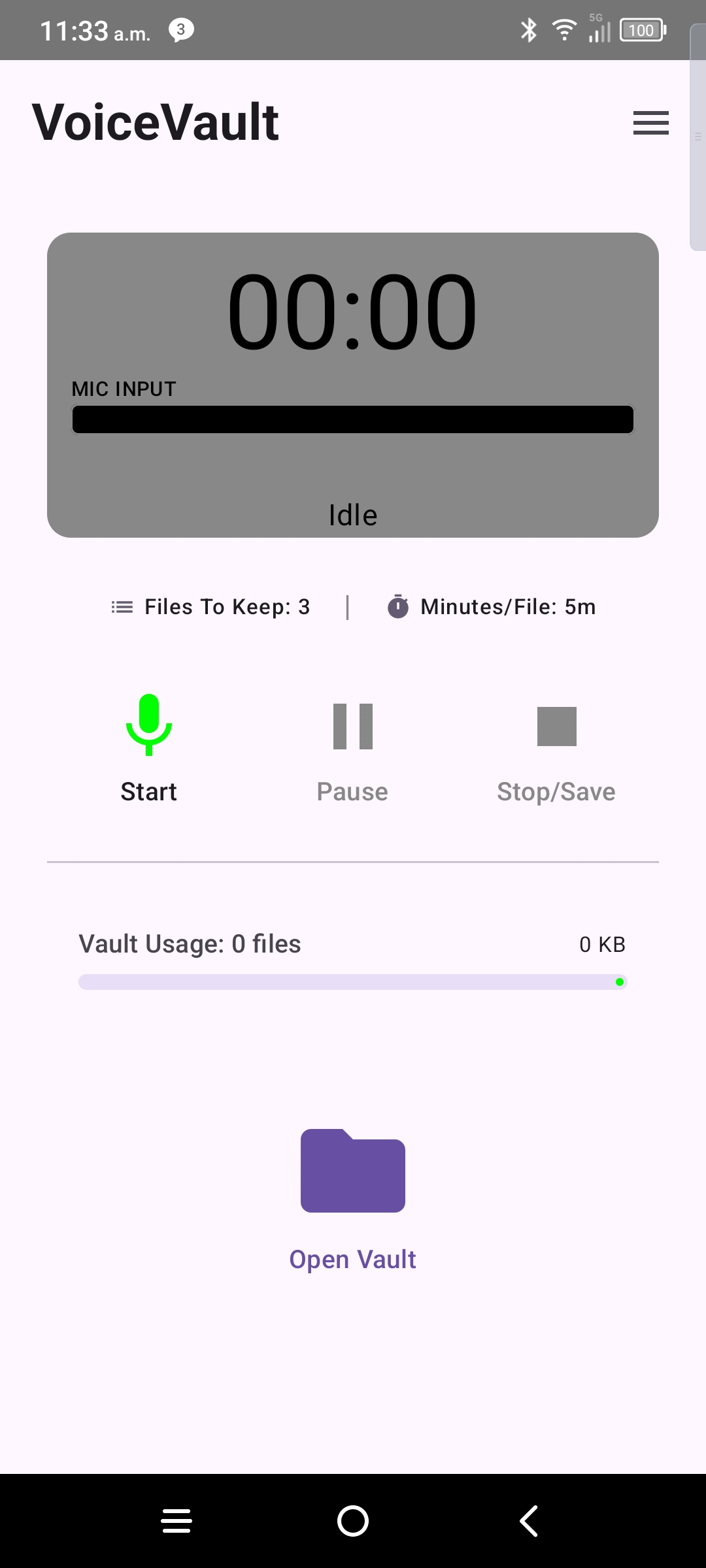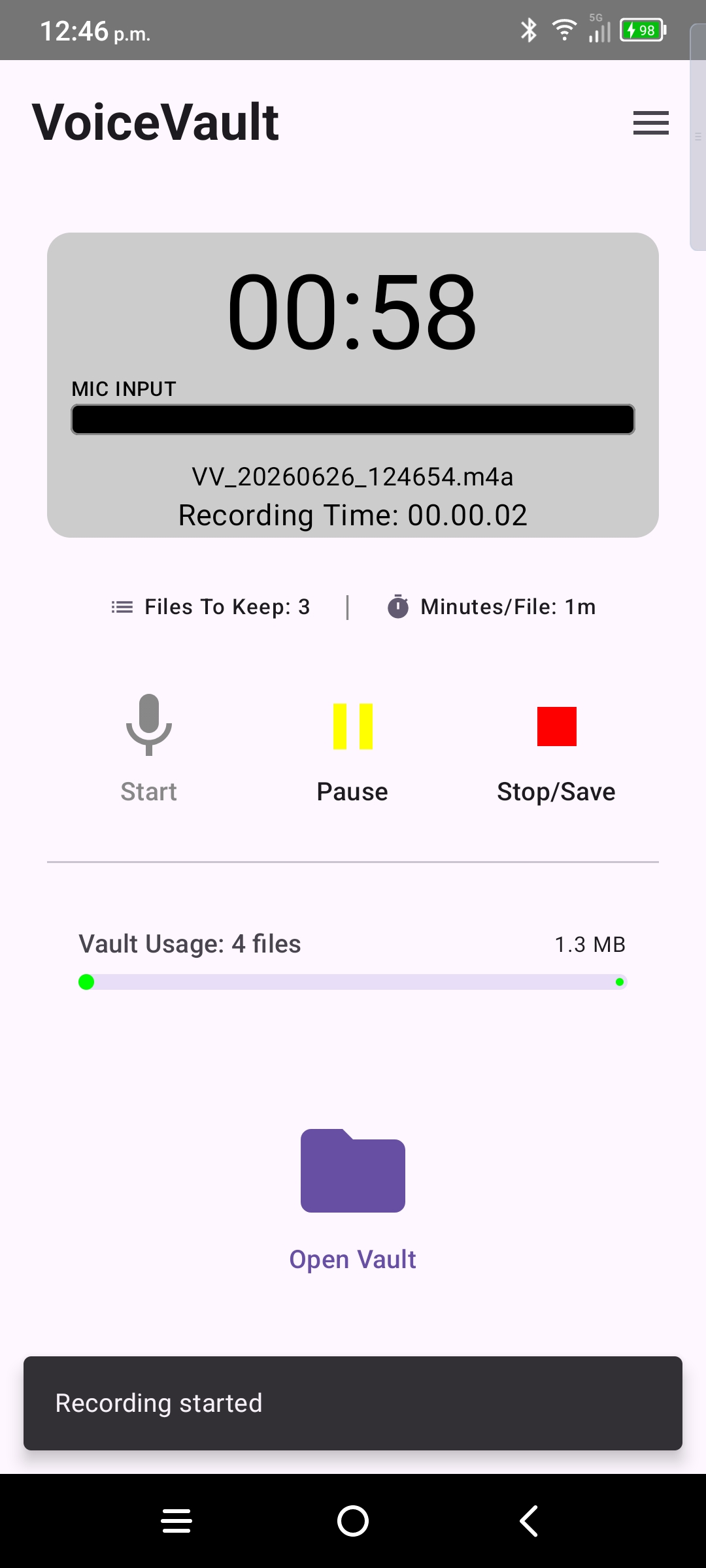
Controls
- Record — starts capture; timer and sound meter animate.
- Pause / resume — pauses without finishing the file.
- Stop — ends the take and saves the file to your vault folder.
- Vault — opens the file list; recording can continue while you browse saved clips.
While recording
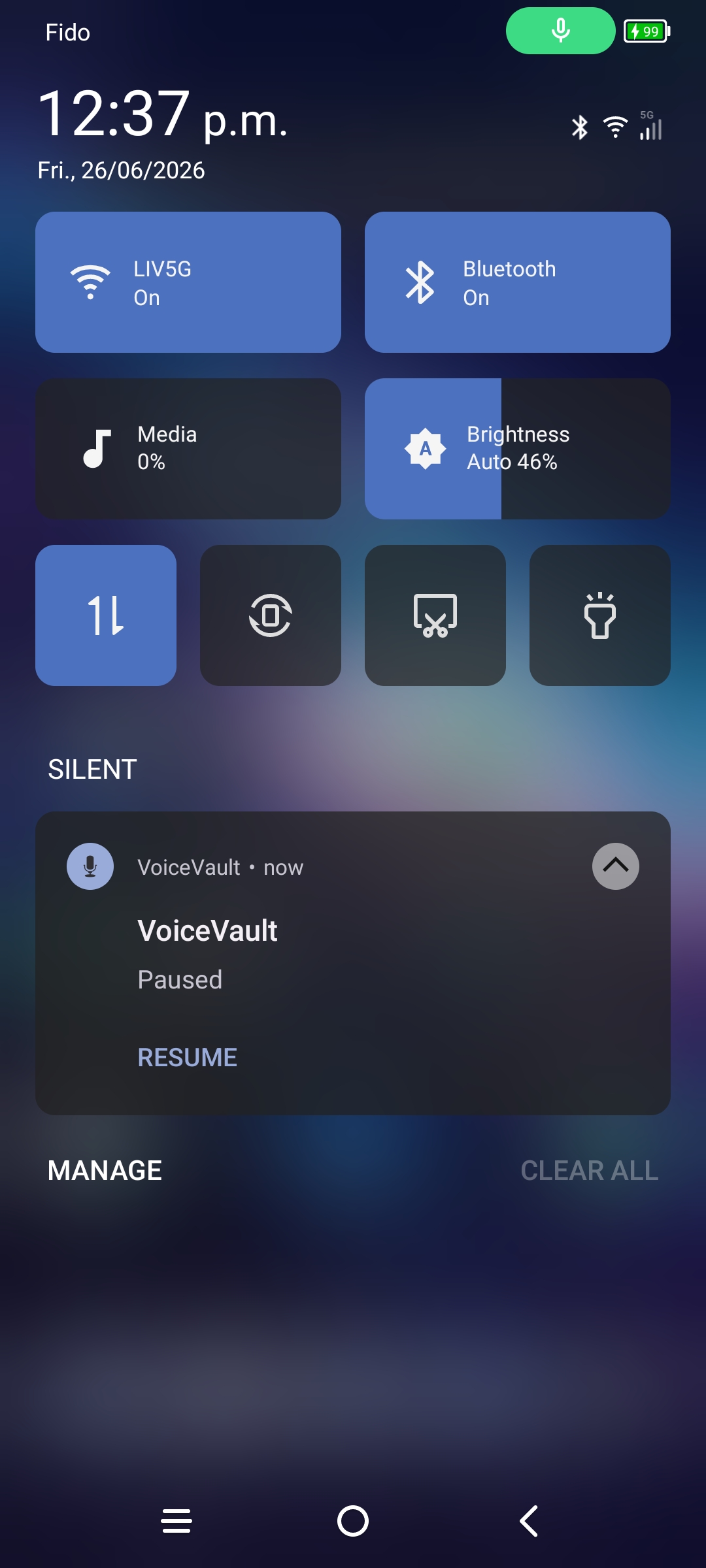
VoiceVault runs a foreground service with a notification in the status bar. Keep onboarding (background permission) allowed so Android does not kill a long take.
If another app steals the microphone, VoiceVault surfaces microphone lost feedback so you know the clip may be incomplete. See Mic. Management for what to do — you must start a new recording; VoiceVault cannot restart capture automatically.
Free tier limits
Free (and Pro trial) recordings stop at 5 minutes per clip and when you reach 3 stored files unless you delete older clips or upgrade to paid Pro. See Settings & Pro.