
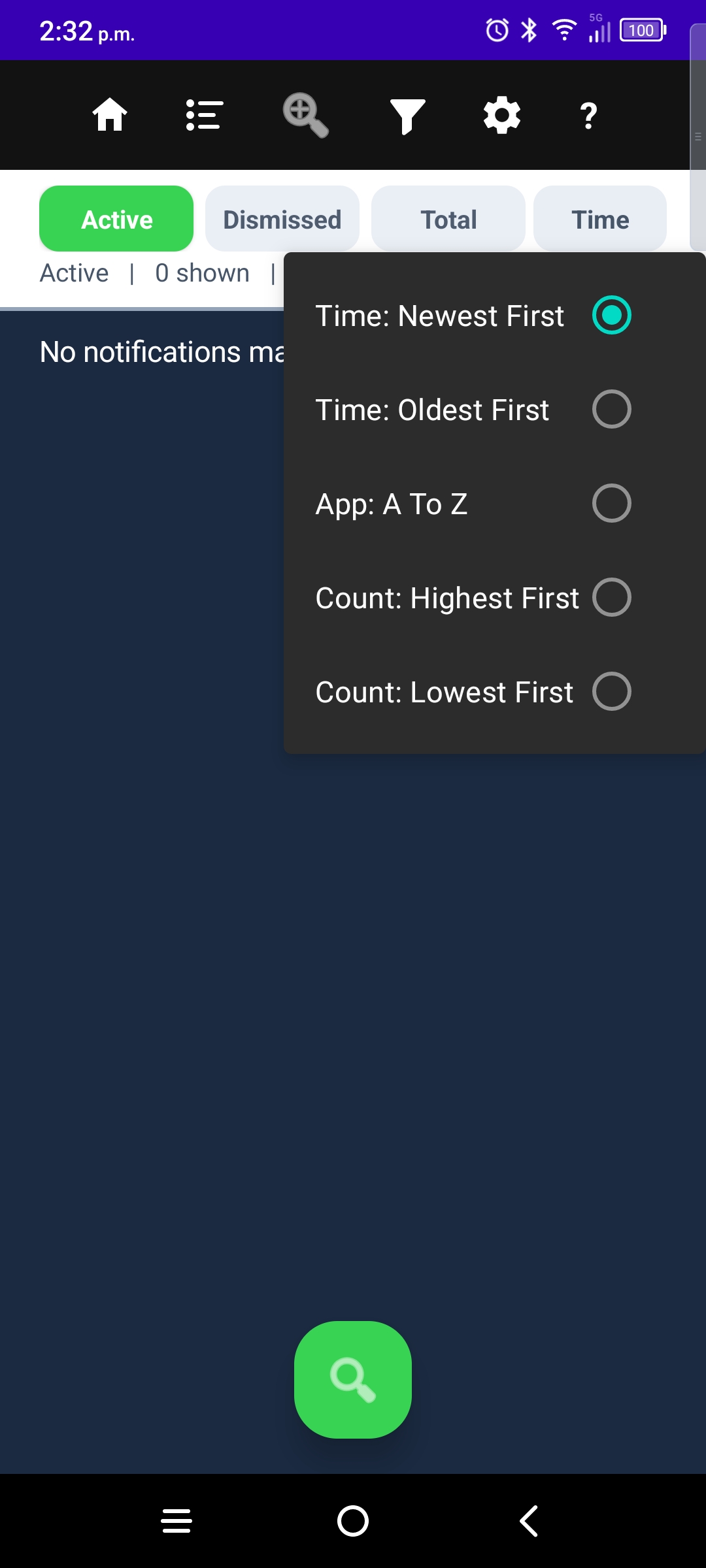
Sort options
- Time — newest first or oldest first (default feel on Active is newest first).
- App — order grouped rows by app name.
- Count — busiest apps first or quietest apps first.
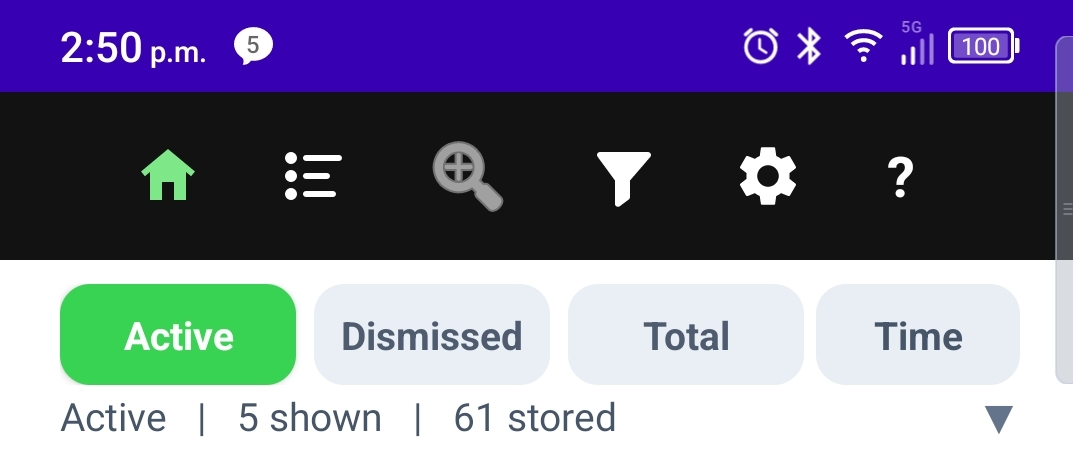
Sort applies to the timeline you are on — including when you are zoomed on one app or searching. The label on row 2 always reflects the current choice.
More guides: Timeline · Filters · Zoom by App · Top Sources · Settings · Onboarding · NotiVault overview