
How to zoom
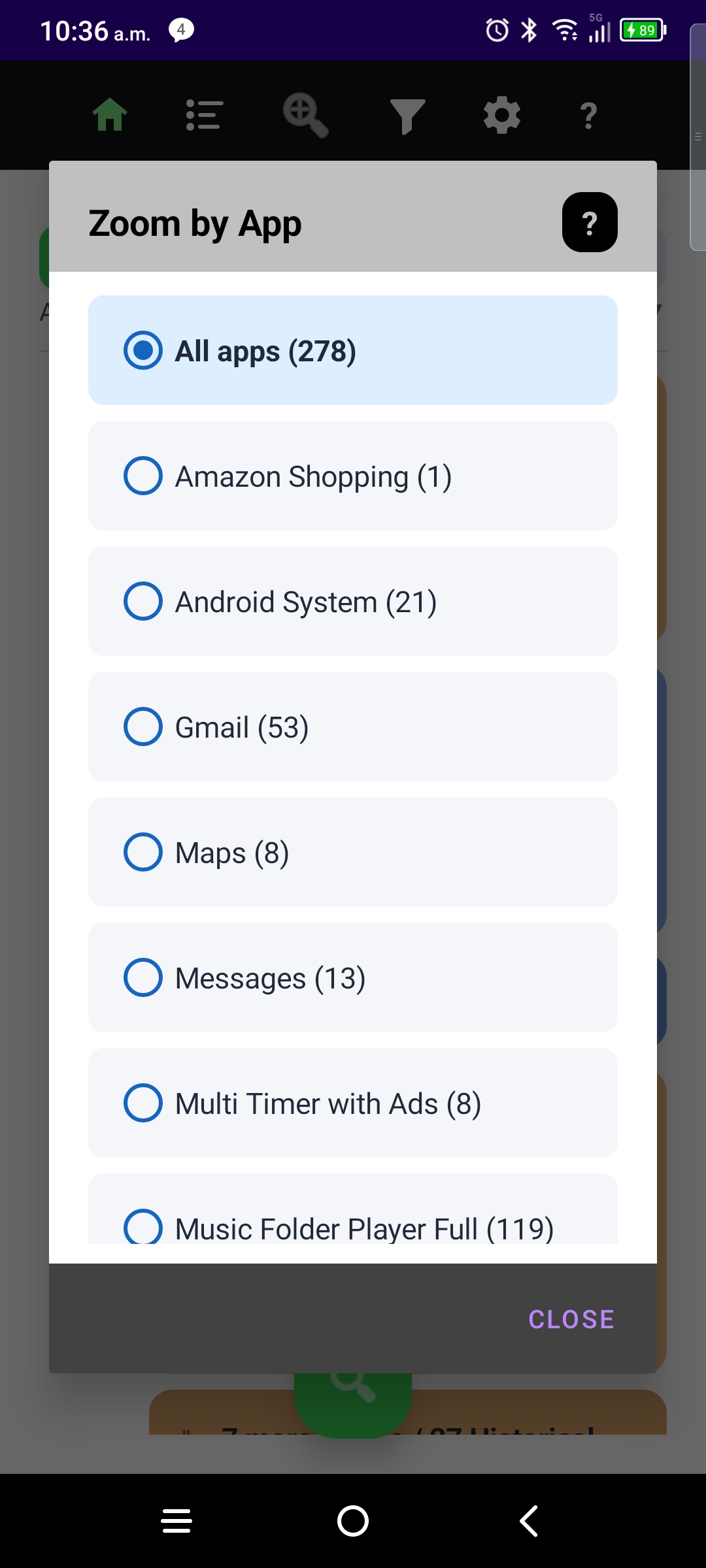
- Open Zoom by App from row 1 and pick a source.
- Or use Top Sources → View — see the Top Sources guide.
- Exit zoom: pick All apps in Zoom, tap Home, or press Back.
Zoom respects Show filtered notices on timeline — when that setting is No, filtered items stay hidden here too (use Filters → View all filtered to audit them).
More guides: Timeline · Sort · Filters · Top Sources · Settings · Onboarding · NotiVault overview