
What you can do
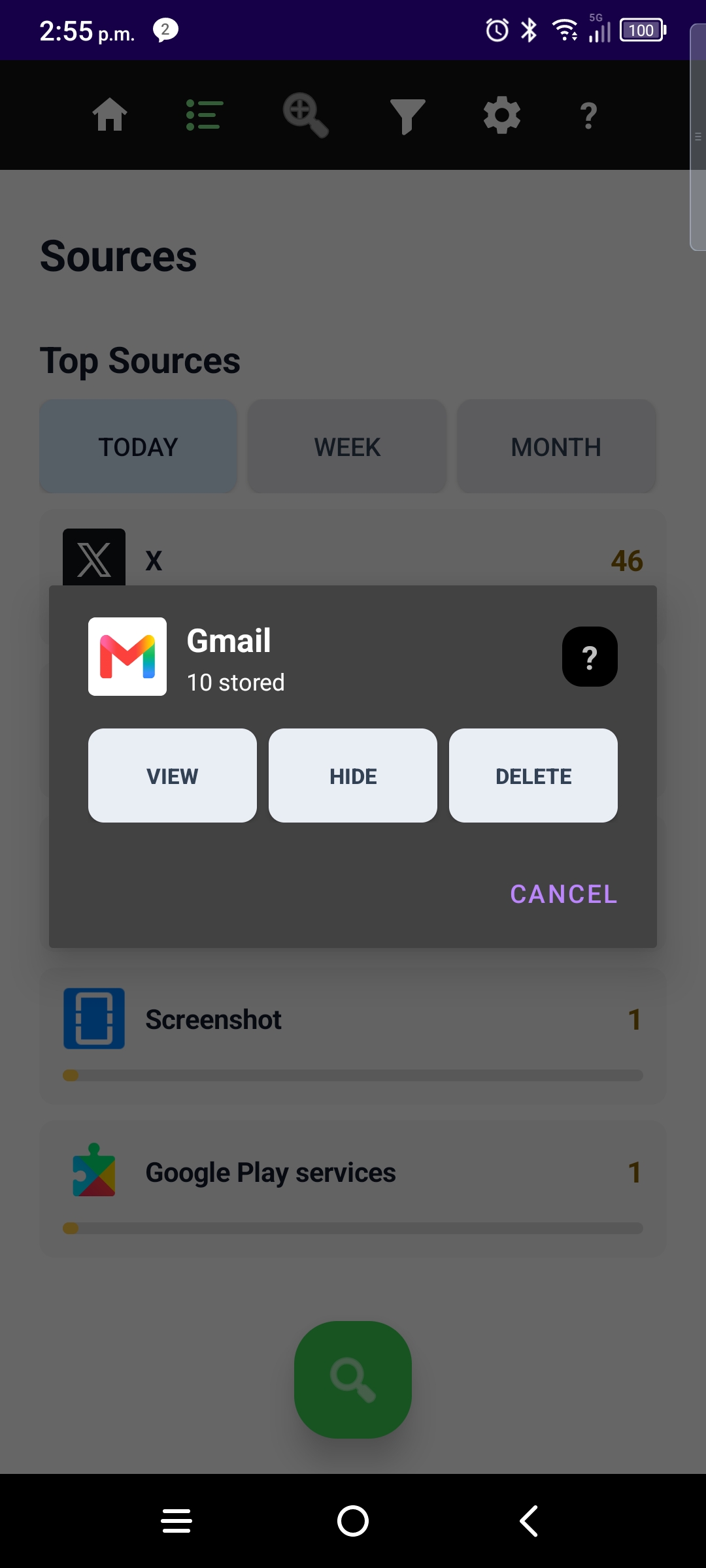
- View — zoom the timeline to that app (same temporary lens as Zoom by App).
- Hide — add a filter so future notices from that source stay off your main timeline.
- Delete — delete ALL notifications from this app from the vault.
Top Sources is analytics, not a separate vault — when you tap View, you land on the home timeline with the blue ZOOM bar showing which app you are focused on.
More guides: Timeline · Sort · Filters · Zoom by App · Settings · Onboarding · NotiVault overview