
Three views
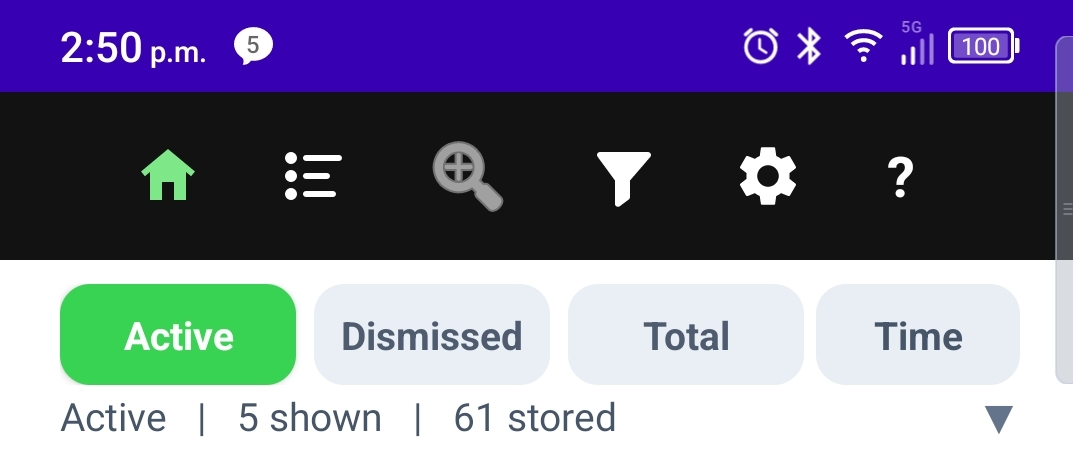
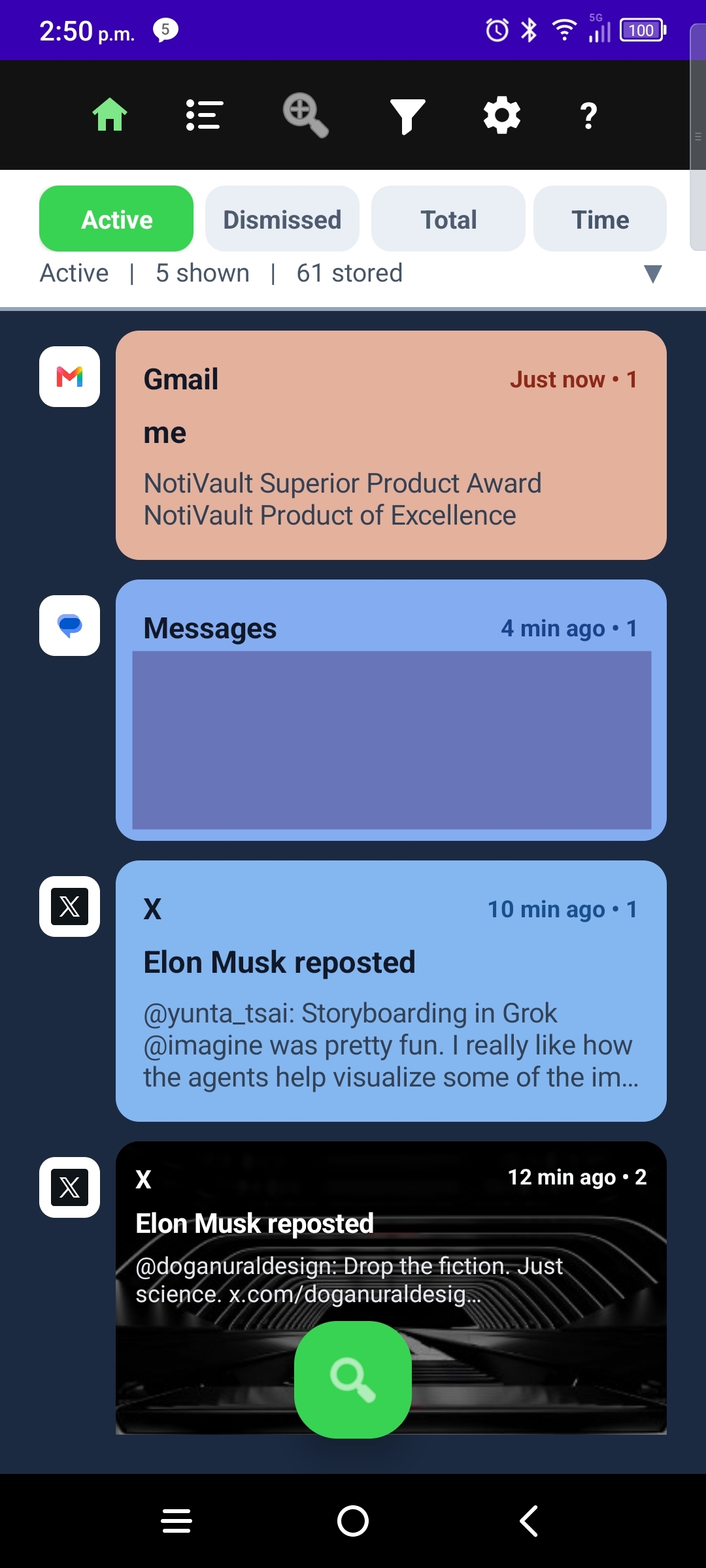
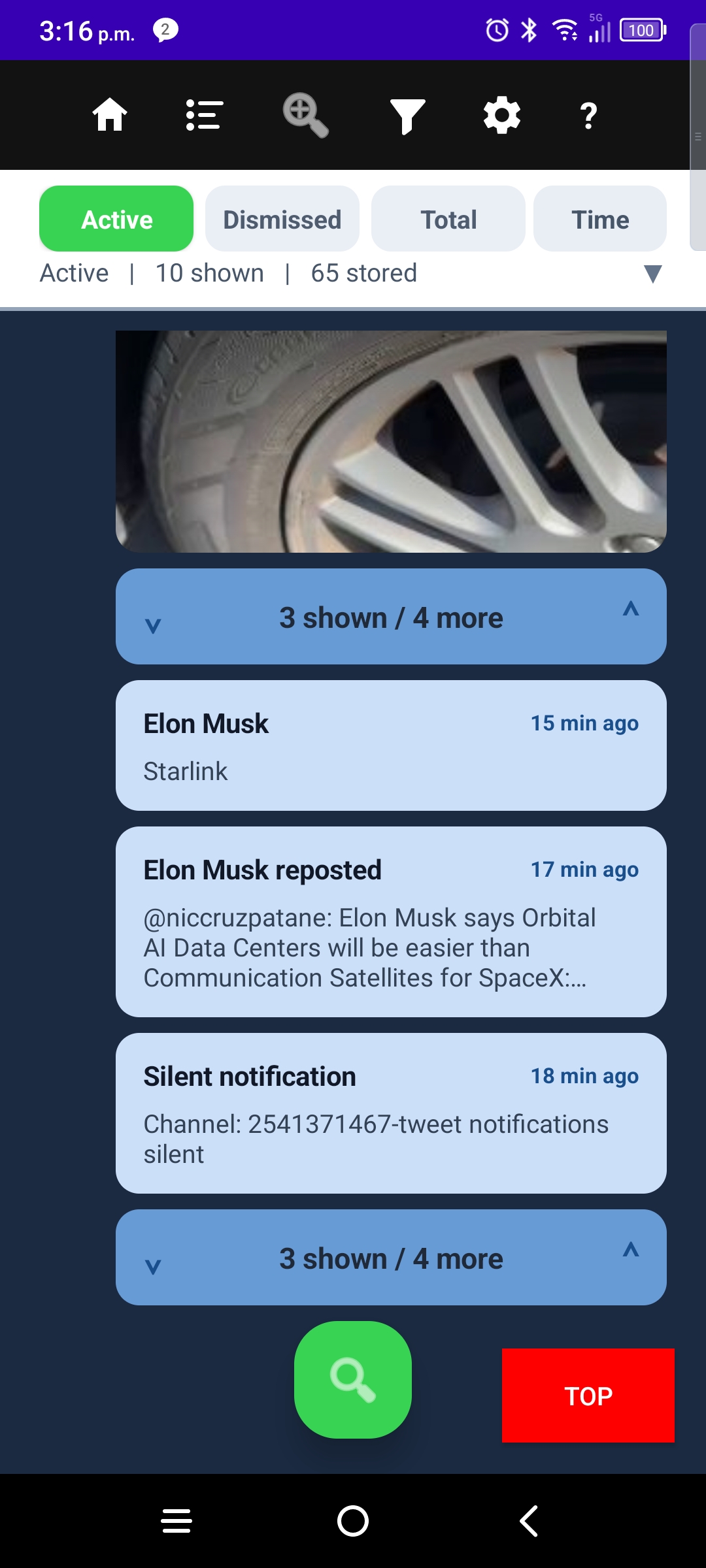
- Active — notices your phone still considers live, grouped by app.
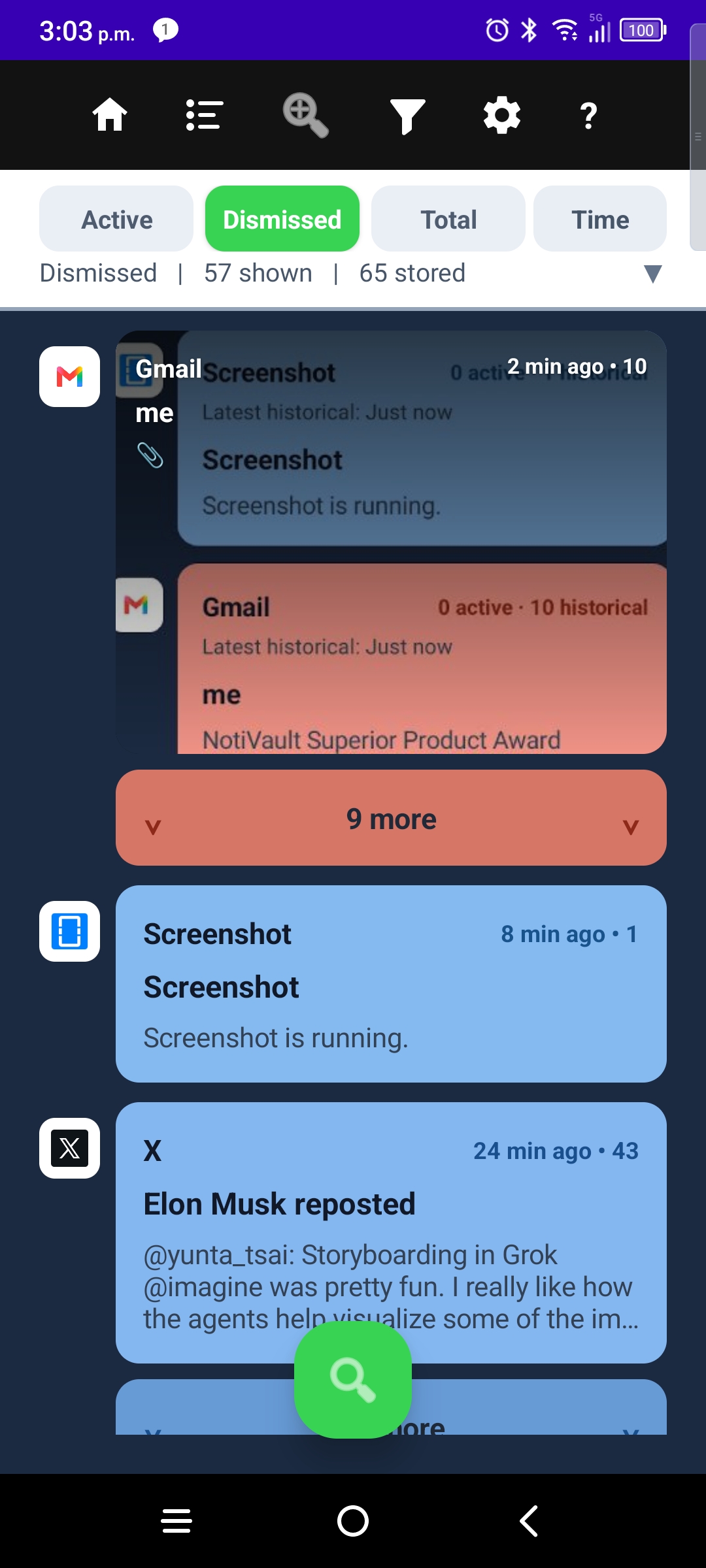
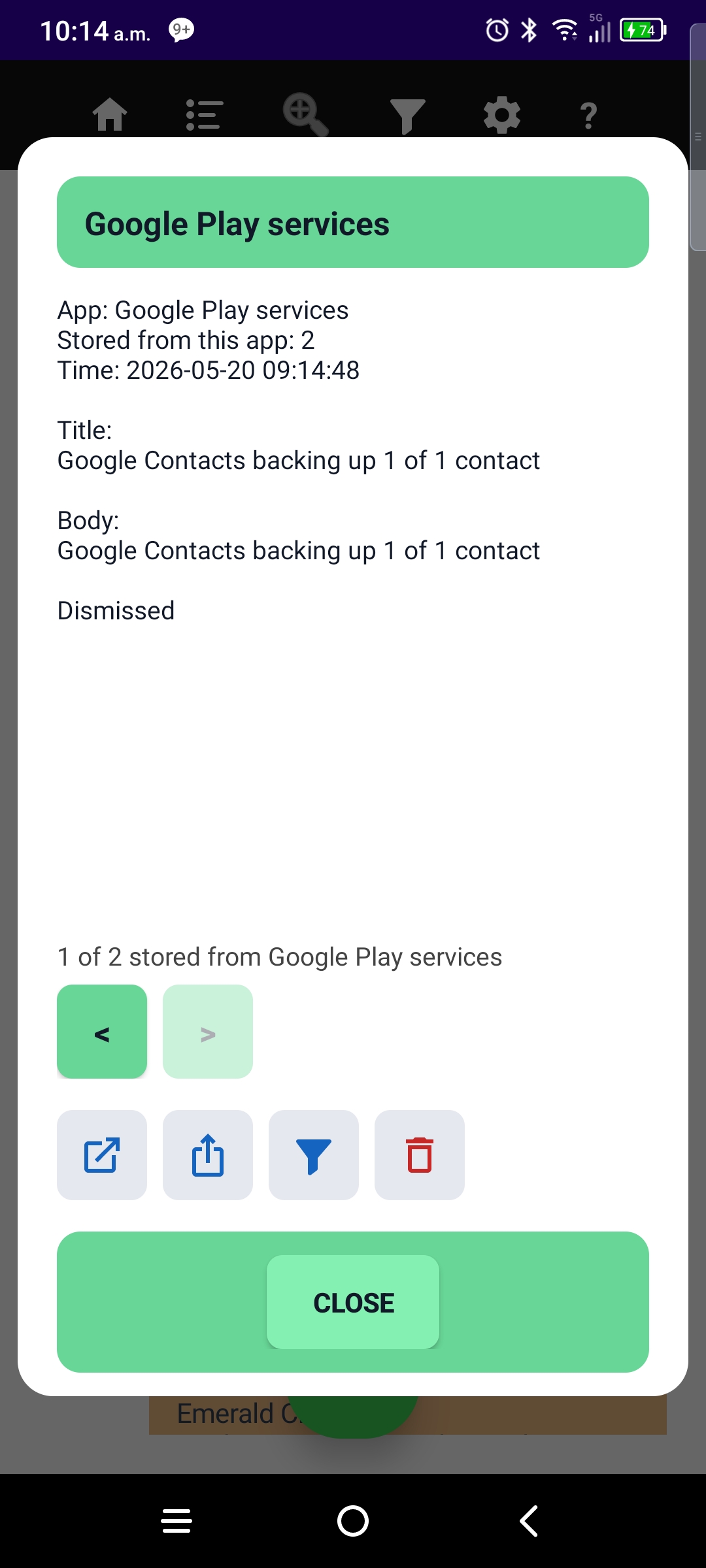
- Dismissed — copies you cleared from the shade, kept in the vault.
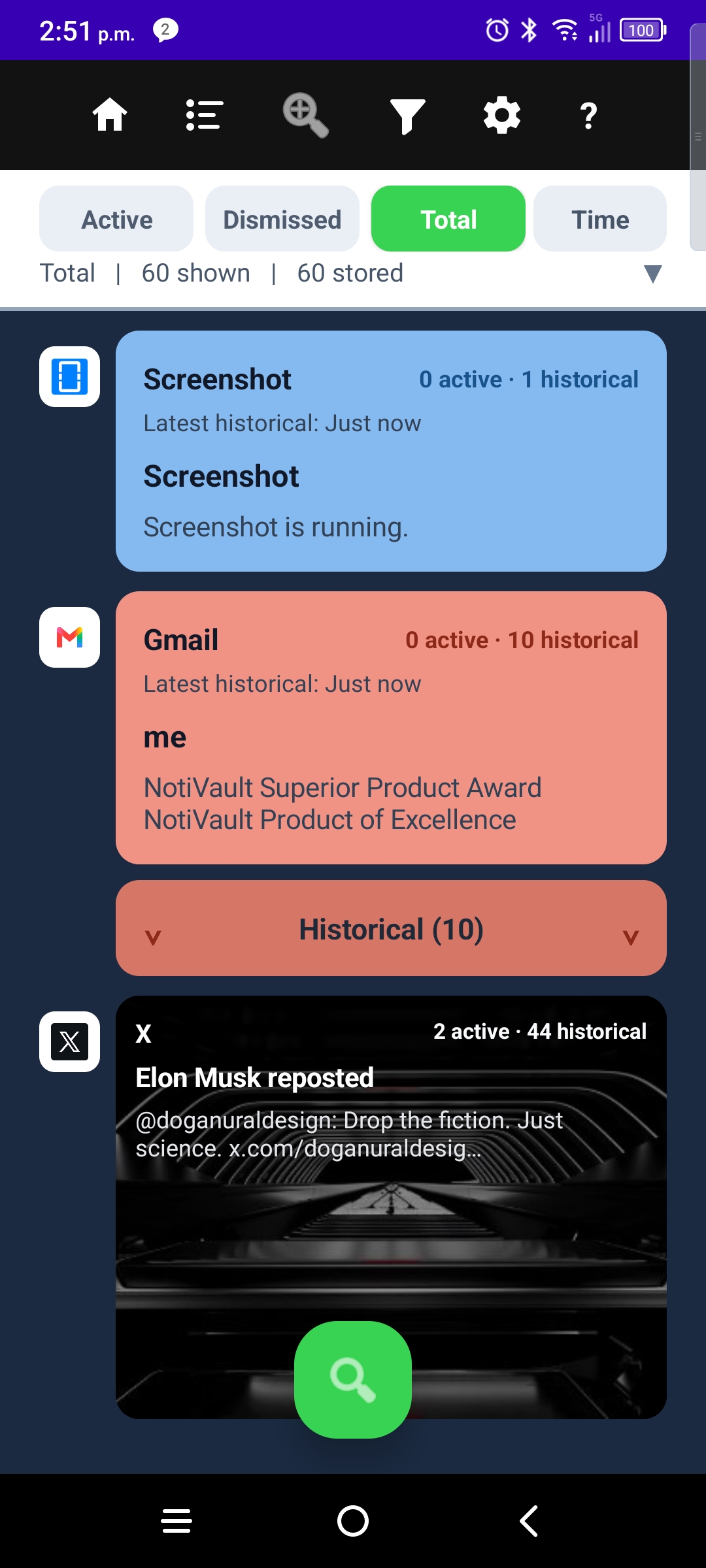
- Total — full history with Active and Historical buckets per app.
Opening NotiVault also picks up notices already in your shade — not only brand-new ones. Tap a card for Detail; navigation stays scoped to the view you came from.
More guides: Sort · Filters · Zoom by App · Top Sources · Settings · Onboarding · NotiVault overview